
Excel For Beginners
Learn Microsoft Excel from scratch in this beginner-friendly Excel Mastery lesson! Discover how to create spreadsheets, use formulas and functions, format data, create charts, and improve productivity with practical Excel skills. Perfect for students, office workers, entrepreneurs, and anyone starting their Excel journey.
Created by
vSkul Teacher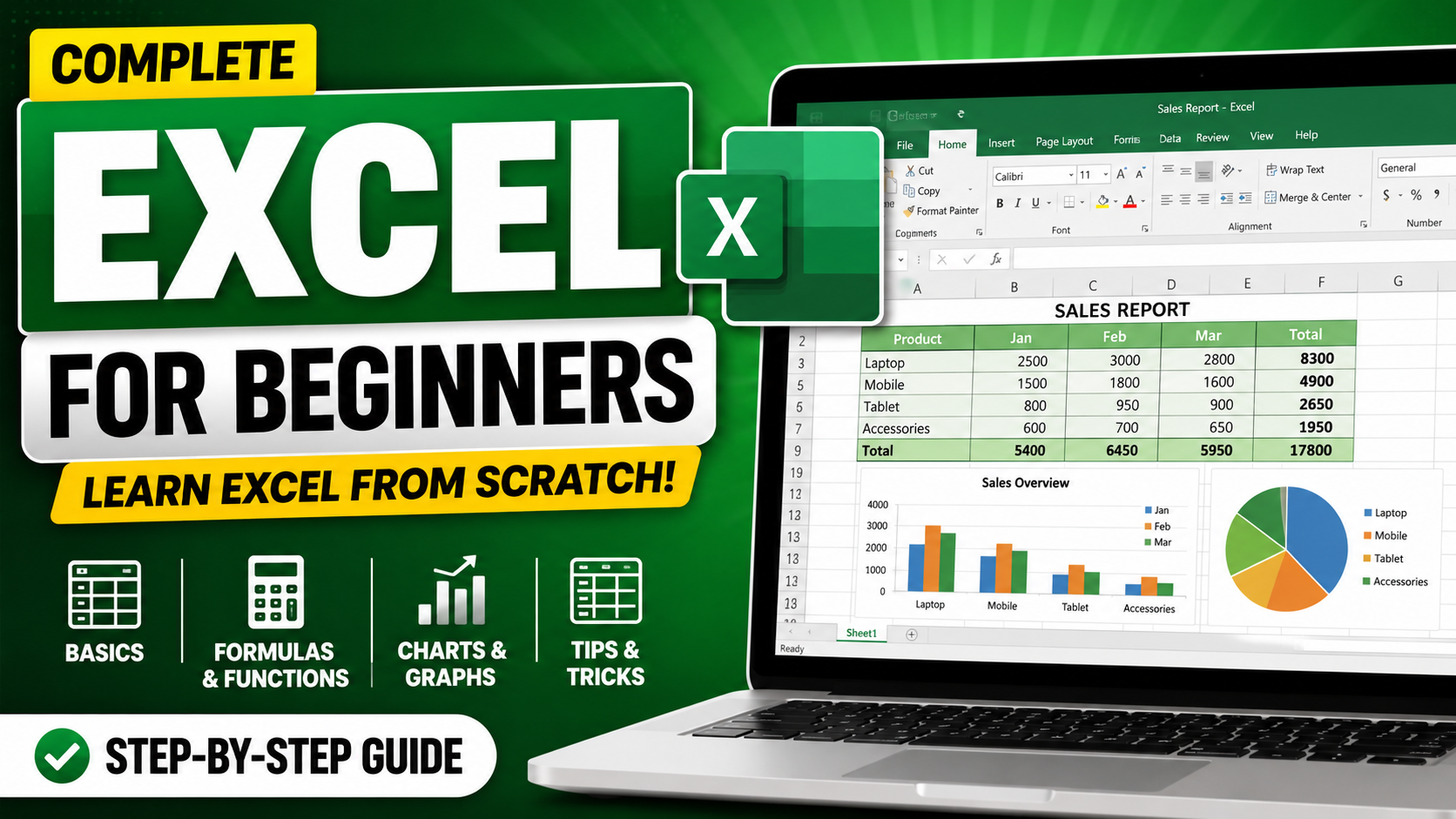
This course includes:
- 📹 3 video lessons
- ⏱ 1h 28m on-demand video
- 📱 Mobile & desktop access
- 🎓 Certificate of completion
- ♾️ Lifetime access
vSkul Teacher
B.Sc Mathematics, M.Ed Educational Technology
Professional teacher with more than 10 years of teaching experience.
Course Curriculum
Introduction to Excel - Lesson 1
Ready to master Microsoft Excel as a complete beginner? This Excel Mastery for Beginners lesson is designed to help you confidently understand and use Excel for personal, academic, and professional tasks.
In this step-by-step Excel tutorial, you’ll learn the fundamentals of spreadsheets, workbook navigation, formulas, functions, formatting, charts, and data organization. Whether you are a student, business owner, office worker, freelancer, or job seeker, this course will help you build practical Excel skills that are highly valuable in today’s digital workplace.
Throughout the lesson, you will explore how to create and manage workbooks, enter and organize data, use essential formulas like SUM and AVERAGE, apply formatting, and generate charts for better data visualization. The tutorial also introduces important Excel productivity tools and shortcuts to improve efficiency.
By the end of this lesson, you will have the confidence to use Microsoft Excel effectively for data entry, calculations, reporting, and everyday spreadsheet tasks.
How To Create Pivot Table In Excel - Lesson 2
Welcome to the Excel Mastery for Beginners lesson — your complete introduction to using Microsoft Excel confidently and effectively.
In this beginner-friendly training, you will learn the core fundamentals of Excel, including workbook navigation, spreadsheet structure, data entry, formulas, formatting, functions, charts, and productivity tools used in real-world office environments. This lesson is designed for students, business owners, office workers, freelancers, and anyone looking to improve their digital skills.
Whether you are completely new to Excel or want to strengthen your foundation, this lesson will help you understand how spreadsheets work and how to use Excel efficiently for calculations, organization, reporting, and analysis. Topics commonly covered in beginner Excel tutorials include workbook creation, formulas, functions like SUM and AVERAGE, formatting tools, charts, and spreadsheet management.
Excel Formulas And Functions - Lesson 3
Want to master Excel formulas and functions from scratch? In this complete beginner-friendly Excel tutorial, you’ll learn the most important Microsoft Excel formulas and functions used in offices, businesses, schools, and data analysis.
This lesson covers everything from basic calculations to advanced logical and lookup functions. You’ll discover how to create formulas, use cell references, apply mathematical operators, automate calculations, clean text data, and perform powerful data lookups with functions like VLOOKUP and XLOOKUP.
Whether you're a student, office worker, freelancer, entrepreneur, or aspiring data analyst, this Excel lesson will help you build practical spreadsheet skills that increase productivity and efficiency.
About This Course
Ready to master Microsoft Excel as a complete beginner? This Excel Mastery for Beginners lesson is designed to help you confidently understand and use Excel for personal, academic, and professional tasks.
In this step-by-step Excel tutorial, you’ll learn the fundamentals of spreadsheets, workbook navigation, formulas, functions, formatting, charts, and data organization. Whether you are a student, business owner, office worker, freelancer, or job seeker, this course will help you build practical Excel skills that are highly valuable in today’s digital workplace.
Throughout the lesson, you will explore how to create and manage workbooks, enter and organize data, use essential formulas like SUM and AVERAGE, apply formatting, and generate charts for better data visualization. The tutorial also introduces important Excel productivity tools and shortcuts to improve efficiency.
By the end of this lesson, you will have the confidence to use Microsoft Excel effectively for data entry, calculations, reporting, and everyday spreadsheet tasks.
Student Reviews
No reviews yet. Be the first to review this course!